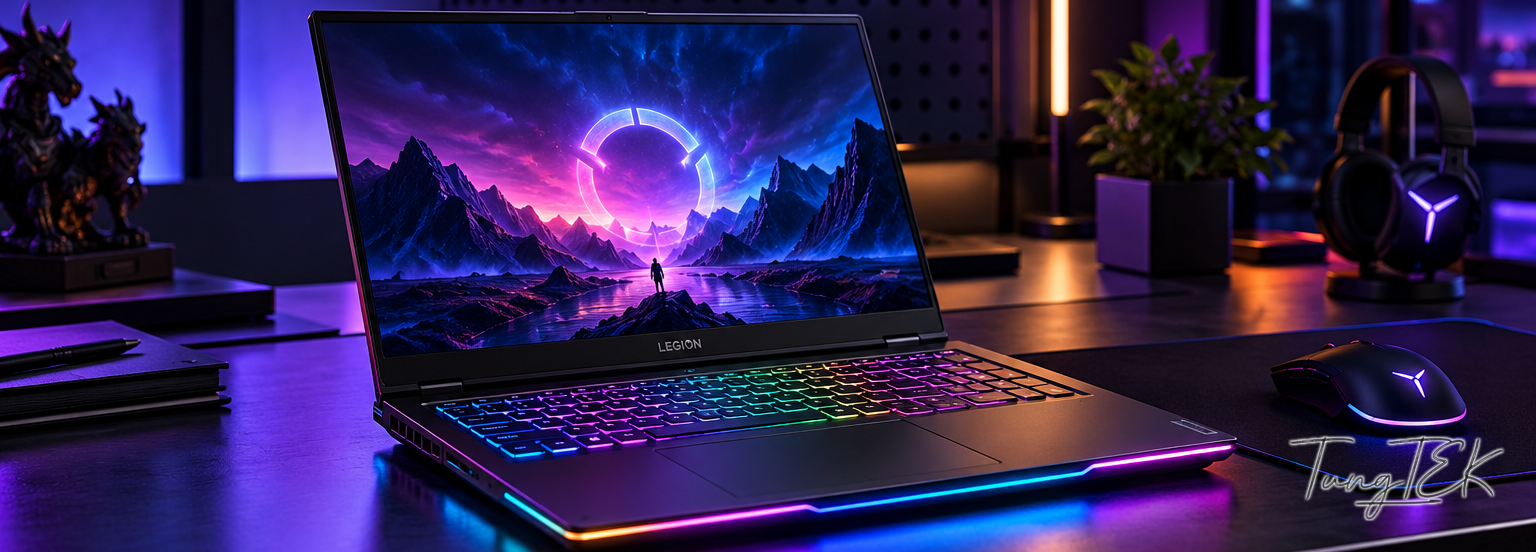
Some gadgets make you want to use them quietly. With this one… the moment it powers on and the RGB lights sweep around, staying quiet becomes a little difficult. 😁
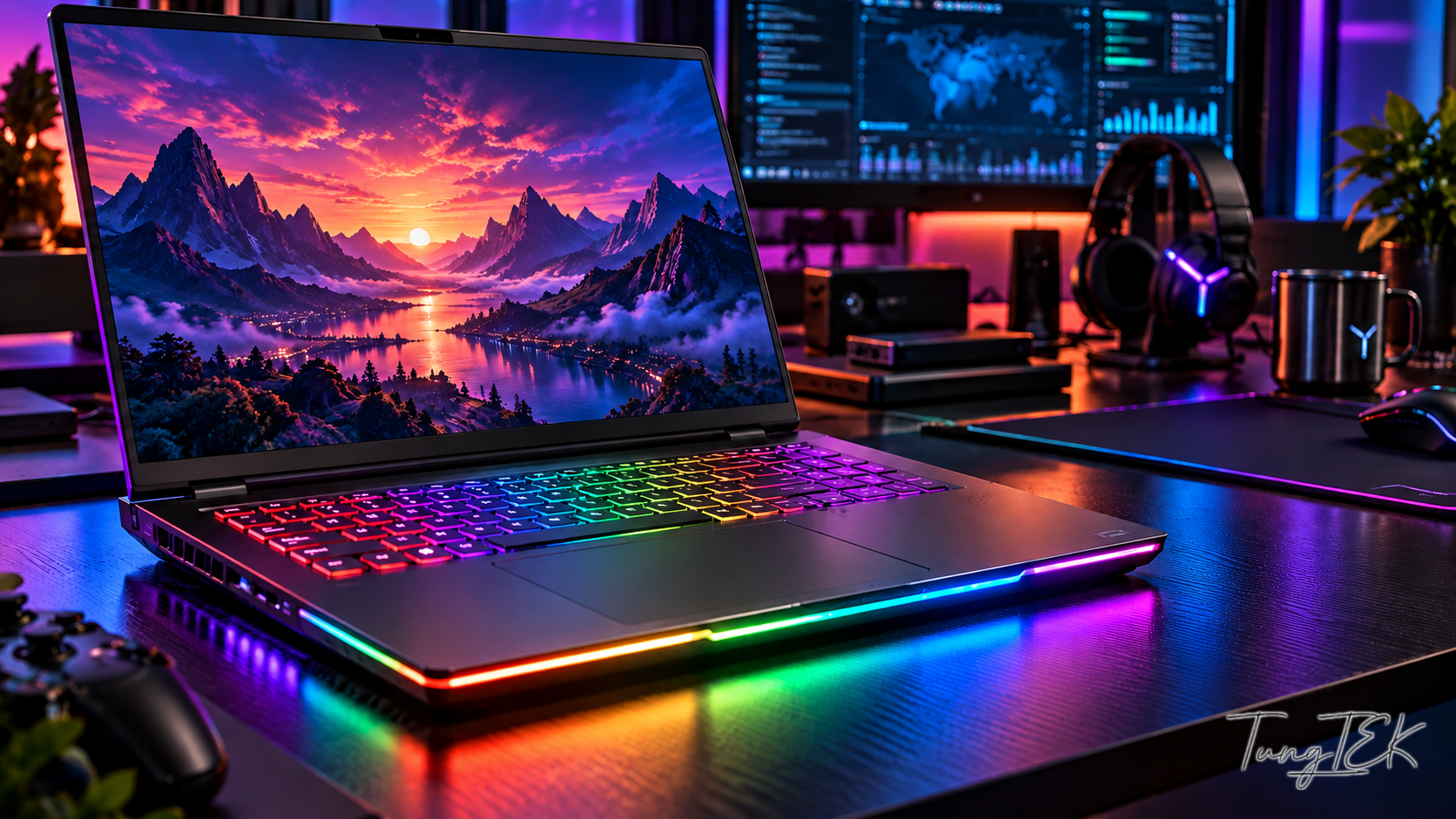
Meet the newest member of my workspace: the Lenovo Legion Pro 7 16IAX10H (83F5). On the outside, it is an eye-catching gaming laptop; its configuration feels like a laboratory shrunk into a backpack. More importantly, this is a configuration checked directly in Windows, firmware and NVIDIA on the machine I use—not a list of impressive specifications on paper.
First come the lights. Then comes… the weight of the configuration.
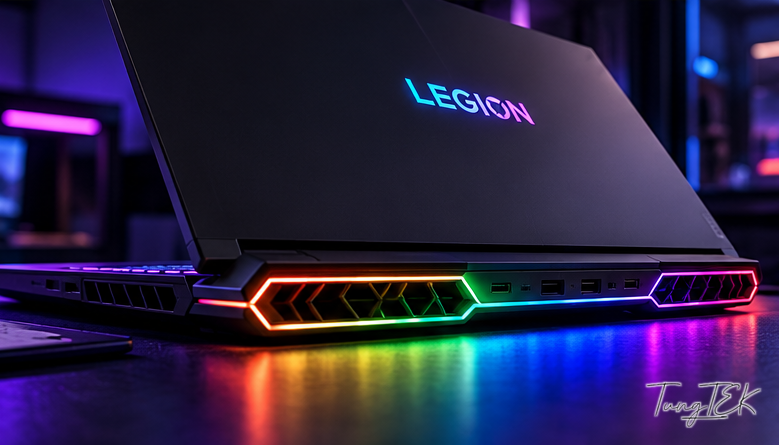
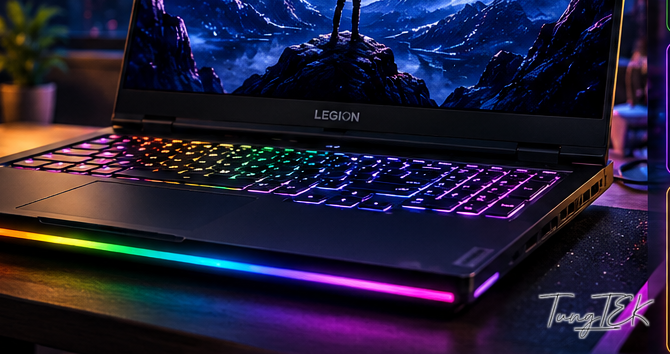
The Legion has per-key RGB, an illuminated logo and RGB lighting along the front and rear edges. Viewed from the cooling vents, the colors following the contours look especially striking. Lighting does not make programs run faster, but honestly, an attractive workspace adds a little energy to a late-night session.
HARDWARE / FIGURES CHECKED ON THE MACHINE
Inside: not a configuration for someone who opens one Chrome tab and closes it.
| CPU | Intel Core Ultra 9 275HX · 24 cores (8P + 16E) / 24 threads |
|---|---|
| GPU | NVIDIA GeForce RTX 5080 Laptop GPU · 16 GB VRAM GDDR7 |
| RAM | 128 GB DDR5-5600 · 2 × 64 GB Micron/Crucial |
| SSD | Toshiba KXG6APNV2T04 2 TB (C:, D:) + Samsung MZVLC1T0HFLU 1 TB (E:) |
| OPERATING SYSTEM | Windows 11 Pro 64-bit · Intel Graphics + NVIDIA GPU |
The 128 GB of RAM is an upgrade that Windows currently recognizes on this machine; it should not be read as a capacity Lenovo guarantees for every retail configuration.
A powerful CPU, a capable GPU and 128 GB of RAM… so the tools do not have to fight over resources.
The Core Ultra 9 275HX has 24 cores—8 performance cores and 16 efficiency cores—with 24 threads in total. It suits work that runs many tasks at once: virtual machines, analysis tools, compilation, experimental labs and enough windows to make a casual observer dizzy.
Alongside it is an RTX 5080 Laptop GPU with 16 GB of VRAM. It is not only for games; CUDA and graphics memory are valuable for local AI and GPU-accelerated computation too. Larger AI models still demand careful VRAM management: 128 GB of system RAM is not 128 GB of VRAM.
FIT FOR THE JOB / NOT JUST FOR GAMING
3 TB of NVMe and a laboratory you can carry.
The machine has two physical NVMe SSDs: a Toshiba of about 2 TB containing C: and D:, and a Samsung of about 1 TB for E:. Their combined nominal capacity is about 3.07 TB (roughly 2.79 TiB using Windows’ conversion). The system reports both SSDs as Healthy/OK. In other words, there is room for everyday work, lab data and storage-hungry toolkits.
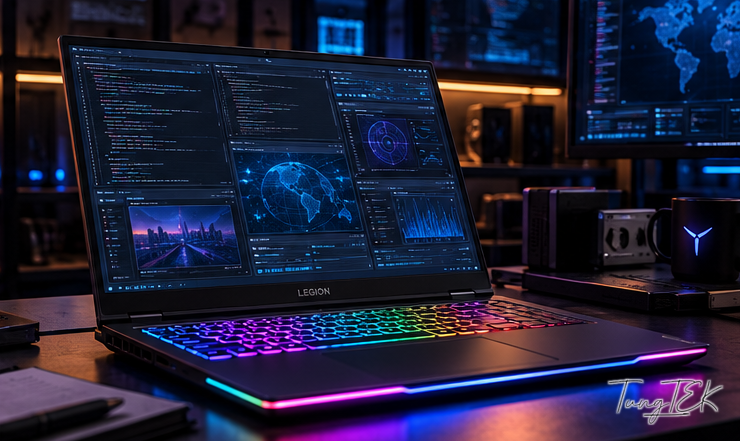
My work mainly involves IT systems, ransomware analysis, data recovery and developing solutions. Ghidra, VMware virtual machines, isolated test environments, forensic tools, local AI and TEKHub all need real resources—not simply a good-looking laptop on a desk.
So will I play games on it?
Of course! But my “hard games” are often a failing disk, a troubled server or a ransomware sample to analyze. Some battles have no leaderboard, only a customer’s data waiting to come back. That is the real reason I want generous resources for the long term.
Drawbacks? There are some. A high-performance Legion cannot be as light as an ultrabook, and reaching its potential still depends on power, cooling, temperature and performance settings. A powerful machine does not make every task ten times faster; it still needs the right configuration and real benchmarks.
In the end: RGB is for enjoying, the CPU/GPU/RAM are for working, and this Legion is officially joining TEKLab Mobile. 😎
Read the full article • TEKLink214
TEKLab by TUNGTEK 🇻🇳
🟠 TUNGTEK — Technology. Resilience. Recovery.
🇻🇳 Data trouble? Call TUNGTEK.