1. Start with the work your business needs to resume
Consider a hypothetical Monday morning: accounting needs its application to close the books, but the server is unavailable. IT can see several backup sets. Staff still cannot work because application settings, permissions or another dependency are missing.
TUNGTEK recommends planning backups around the service that must return. Record who uses it, which data comes first, who can rebuild it and who approves its return to business use.
During November, choose one important service and complete the whole exercise. For a small business, rehearsing recovery of an accounting application or project share can be easier to organize and assess than restoring everything at once.
2. Agree RPO and RTO with the service owner
RPO expresses the target tolerance for data loss in time. RTO is the target time to restore service. Business owners should agree these objectives before IT chooses backup schedules, storage capacity and recovery methods.
Hypothetical example: accounting can re-enter up to one hour of transactions and needs its application within eight hours of starting disruption response. These are design and rehearsal targets, not a TUNGTEK recovery-time promise.
A scheduled backup interval alone does not establish achieved RPO. Include transfer to protected storage and the latest usable clean recovery point. Measure RTO across repository access, environment preparation, data restoration, application checks and handover.
3. Build a NAS, server and SQL backup matrix
Use a short matrix to find omissions. Add a primary owner, deputy, backup location and recovery instructions for each row.
| Service | Planning scope | Evidence after restore |
|---|---|---|
| Synology / QNAP NAS | Shares, historical versions and permissions; separately inventory configuration and any iSCSI LUNs. | Users open representative files, check permissions and confirm the required version. |
| Servers / VMs | Data, configuration, application components and dependencies such as DNS, service accounts and certificates. | Boot on an isolated network and complete a representative application workflow. |
| SQL Server | Consistent backups and recovery chains appropriate to the recovery model; inventory logins, jobs and required keys/certificates. | Restore separately, check consistency and reconcile application data with its owner. |
| Cloud / collaboration | Relevant content, versions, permissions and an access route if the primary account fails. | Retrieve the data and return it to a prepared working environment. |
Backing up one NAS folder may leave other services uncovered. A VM stored in an iSCSI LUN can require a different process from Office files in a shared folder. Check the actual coverage supported by the backup product and configuration.
4. Check deletion rights and retention
Ask which copies remain protected if the production administrator account is compromised. CISA recommends offline, encrypted backups and regular testing because ransomware can attempt to delete accessible copies. [1]
- Separate source administration from backup administration and limit job-account permissions.
- Review version retention and deletion protection. An offsite copy still needs appropriate access controls.
- Secure catalogs, retrieval instructions and backup decryption keys, with controlled access for a deputy.
- Assign recipients for failed-job, capacity and stale-recovery-point alerts.
Check supported models and DSM versions before choosing Synology immutable snapshots. For QNAP HBS 3, review version management and integrity-check schedules; availability varies with version and destination. [2] [3] Verify the configured protection period and effective permissions rather than relying only on an “immutable” label.
5. Rehearse SQL recovery through business approval
Define separate checks for creating a backup, restoring the database and using the application.
RESTORE VERIFYONLY checks whether a backup set is complete and readable. It does not restore it or validate the full internal data structure, so it cannot be the sole acceptance evidence. [4]
- Prepare a compatible SQL Server test environment with sufficient capacity and isolation from production.
- Select the full backup, any applicable differential and required log backups. Check the recovery model and log-chain continuity; Simple does not support log backups. [5]
- Restore as a separate database and record an appropriate
DBCC CHECKDBresult. Technical consistency still needs business validation. [6] - Have the application owner open reports, reconcile the data period and test a representative workflow.
Inventory dependencies outside database backup files: logins, SQL Agent jobs, connection configuration and certificates or keys where encryption is used. Do not overwrite the live database as a rehearsal.
6. Four stages before 30 November
This proposed November 2026 schedule can be narrowed to available resources. Give every stage an owner and a deliverable.
Choose the scope
Inventory services, agree RPO/RTO and owners, and select a business workflow to test.
Protect the copies
Review permissions, retention, alerts and access when the primary account or server is unavailable.
Rehearse recovery
Restore separately, measure time and have users check the selected NAS, application or SQL service.
Close the gaps
Assign fixes, repeat unsuccessful checks and schedule the next exercise.
Budget for a place to run the recovered application, temporary storage, remote retrieval bandwidth and validation work. Repository capacity alone does not tell you where the service will run if the primary server cannot be used.
7. Record acceptance for every restore
Add these fields to an internal ticket so the next shift can see what was tested and what is still missing.
| Service and approvers | System, IT operator, deputy and business representative. |
|---|---|
| Recovery source | Job/backup-set identifier, data timestamp, location and protection status. |
| Actual timings | Start, backup retrieved, restore completed, application usable and handover. |
| Validation results | Technical logs, data version, tested files/reports/transactions and RPO/RTO comparison. |
| Follow-up work | Remaining faults, owner, due date and retest date. |
A ransomware recovery exercise also needs assessment of the recovery point and a clean environment before reconnection. A backup predating encryption should still be evaluated for compromise traces.
8. Bring a practical question to Backup Day 30.11
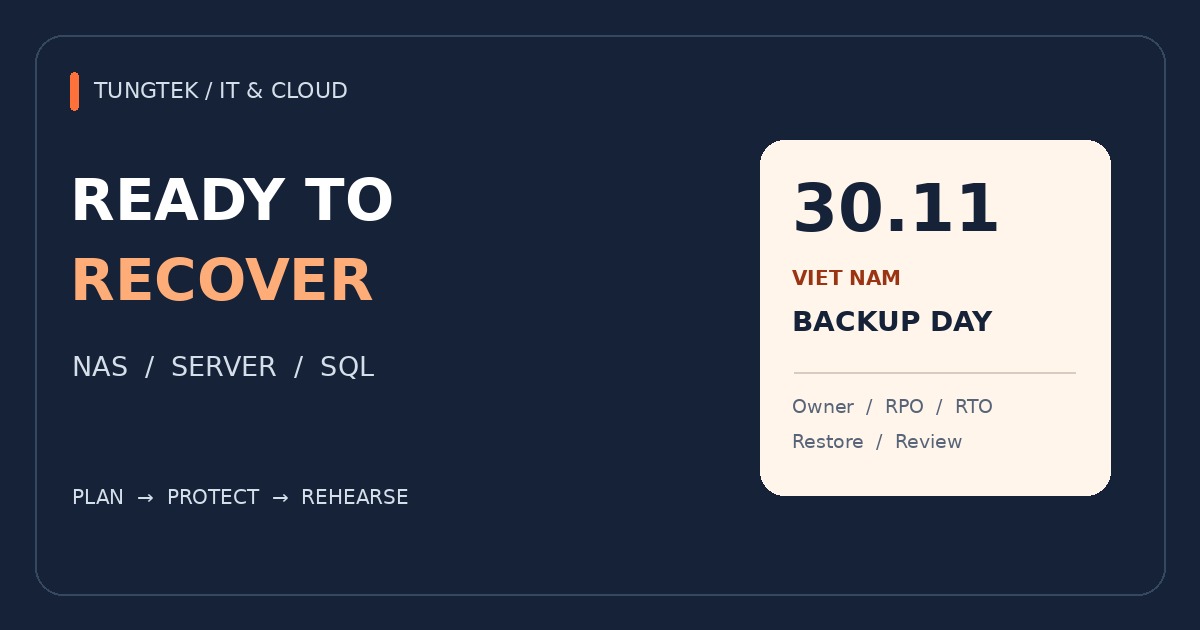
TUNGTEK invites IT staff, NAS/server administrators, DBAs and business owners to the VIET NAM Backup Day 30.11 group. The 30.11 date is part of the community initiative introduced in TEKLink224.
A useful contribution can be brief: describe the system, the required recovery outcome, the current obstacle and what you have tested. Discuss Synology/QNAP version retention, standby VM infrastructure or SQL restore checks. Share sanitized diagrams and figures; keep passwords, keys and customer data out of the group.
A scope matrix and rehearsal record also help TUNGTEK discuss IT, Cloud and TBackup requirements in the context of the actual environment.
VIET NAM BACKUP DAY 30.11
Share your recovery experience
Bring a question, a sanitized diagram or a lesson from a restore test.
Join the Zalo group ↗
References and editorial note
- CISA / MS-ISAC — Ransomware Guide
- Synology — Immutable snapshots
- QNAP — HBS 3 backup jobs, versioning and integrity checks
- Microsoft Learn — RESTORE VERIFYONLY
- Microsoft Learn — Transaction log backups
- Microsoft Learn — DBCC CHECKDB
Original TUNGTEK operations guide inspired by the TEKLink224 community article. Technical references reviewed on 3 November 2026; the proposed schedule and acceptance matrix are editorial recommendations.